
Payout rules that fit every deal.
Every consignor deal is a little different. Payout profiles let you write each one down once, and the app applies it to every sale.
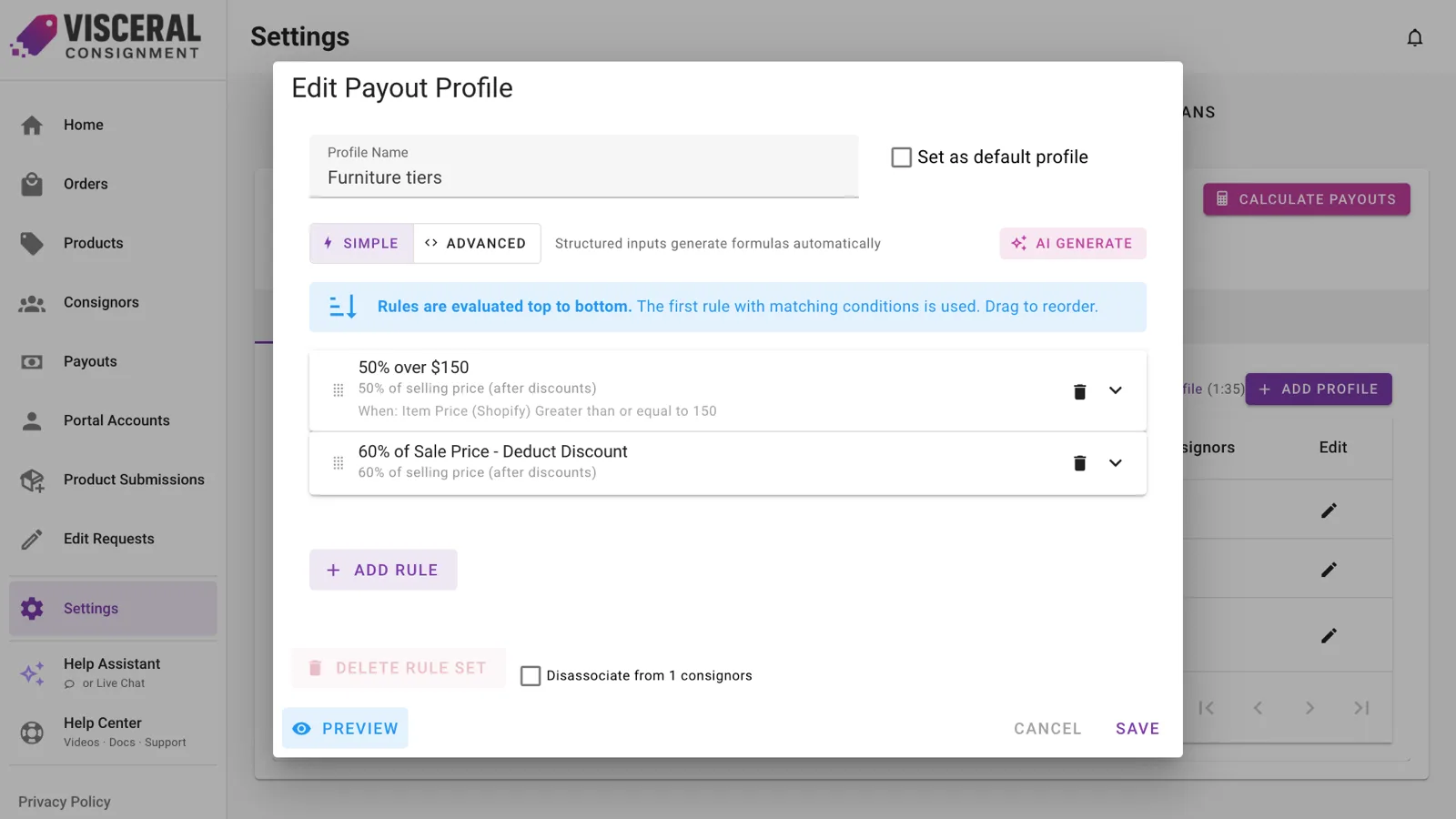
Start simple, add tiers when you need them
A profile is a short list of rules, checked from top to bottom. The first rule that matches a sale sets the payout. One rule is a flat split. Add a few and you have tiers.
- Match on price, product type, tag, location, sales channel or how long an item has been listed
- Set a minimum or maximum payout per rule
- Give each consignor their own profile, or use your shop default
Say it in plain English
Type something like “60% of the sale price after discounts and card fees, 70% for items over $100”, and AI Generate drafts the rules and explains what it built. Review them, then save.
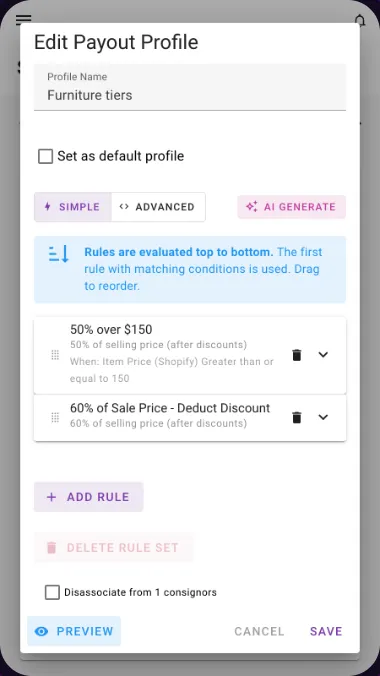
Fees, discounts, tax and shipping, handled your way
Decide whether discounts come out of the consignor’s share, deduct your card processing fees (online and in-person rates are applied automatically), and keep tax and shipping out of the split.
Preview before you save
Run a profile against real orders from your store, or type in a test sale, and see exactly what the consignor would earn and which rule matched.
Good to know.
What if my formula is unusual?
Switch a rule to Advanced mode and build a formula from tokens like price, quantity, discount, cost, tax, shipping and fees. Most shops never need it, but it’s there.
Can I override a single sale?
Yes. Edit the payout on any unpaid line, and it stays as you set it even when the rules are recalculated.
Less time on the math. More time on your shop.
Add Visceral Consignment to your store and start your free trial today.