
Every sale, matched to its consignor.
Tell the app who owns each product once. From then on, every order is matched to its consignor and their share is worked out the moment it comes in.
Pick the consignor right in Shopify
The Consignor field adds a searchable picker to every product page in your Shopify admin. Choose a consignor, or add a new one on the spot, and save. Shopify’s bulk editor has a Consignor column too, for tagging a whole delivery at once.
- Nothing extra shows up on your storefront
- Rename a consignor once and every product follows
Or use what you already have
If your products already name their consignor in the Vendor field or with a product tag like consignor_Jane Doe, the app picks that up. You can switch methods later if your setup changes.
One product, several consignors
Selling sizes or colors that belong to different people? On Premium, give each variant its own consignor. Each sale pays whoever owns the size that sold.
Fix the odd sale without touching the product
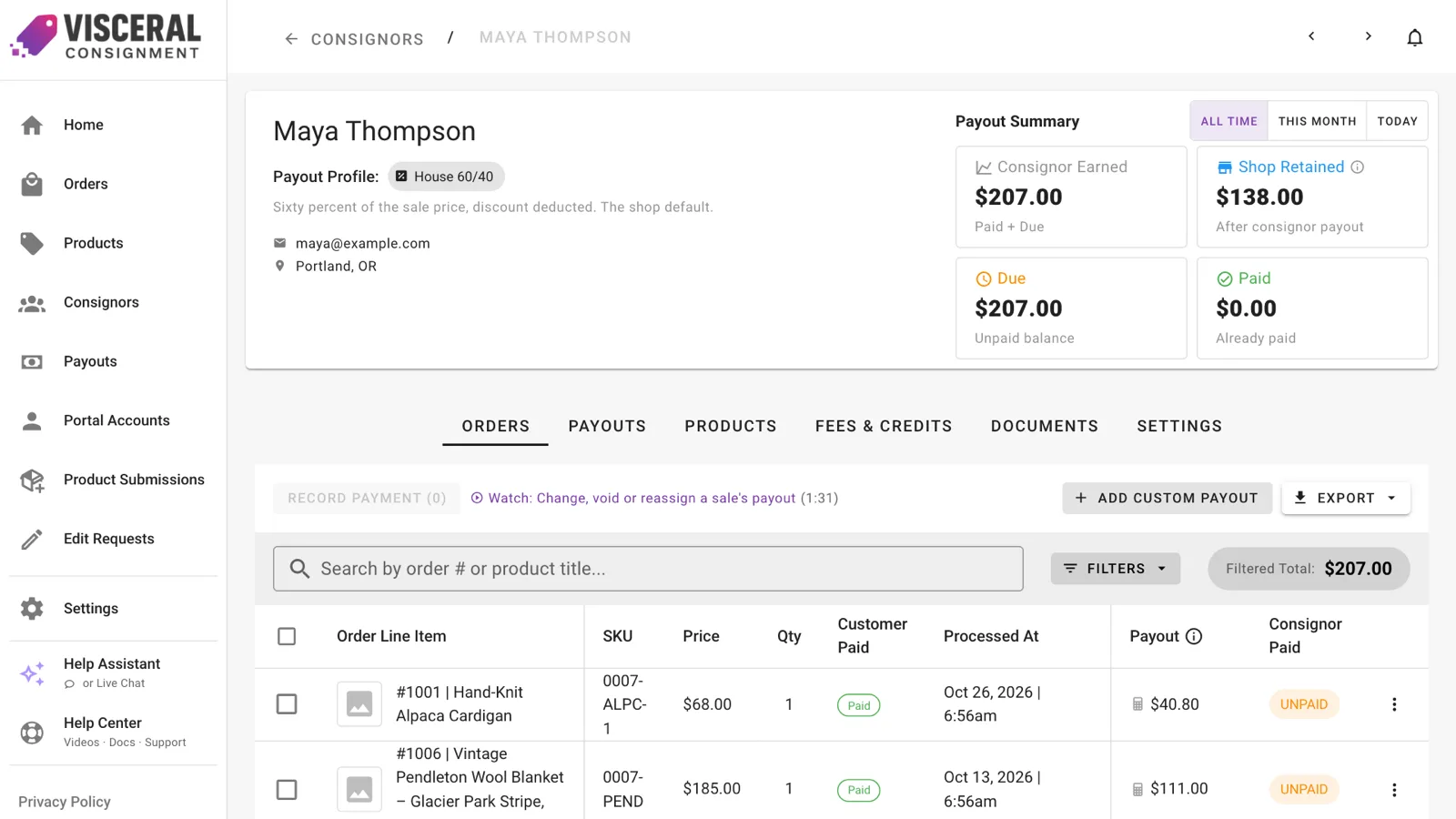
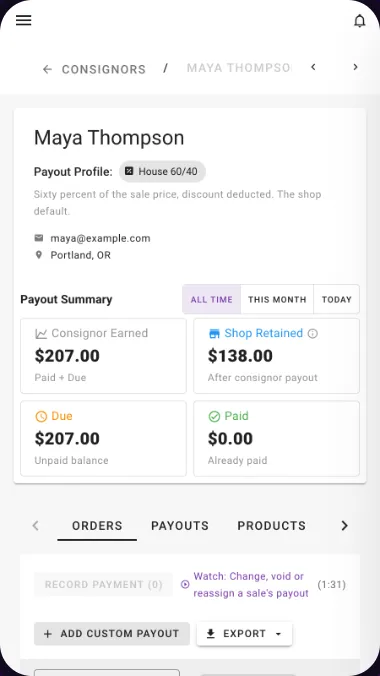
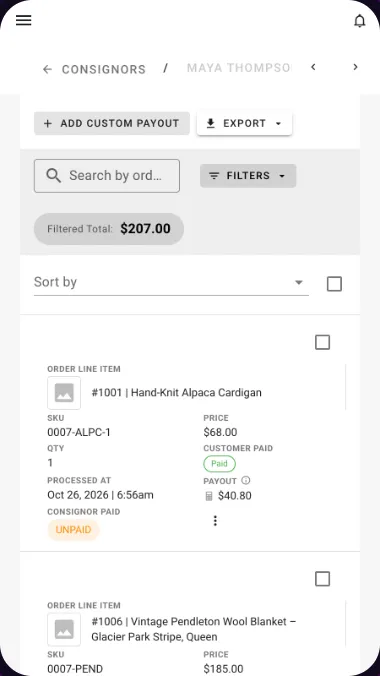
Move one sale to the consignor it really belongs to, change its payout, or void a line that shouldn’t be paid, all from the consignor’s Orders tab. The payout is recalculated at the new consignor’s rate.
Good to know.
Do I have to re-enter my products?
No. The app reads your existing Shopify products and keeps them in sync. You choose a tracking start date so only sales from that day on are counted.
Can I switch tracking methods later?
Yes. When you switch, the app re-matches your products and unpaid sales, and shows you which old consignors the new method no longer uses so you can clean them up.
Less time on the math. More time on your shop.
Add Visceral Consignment to your store and start your free trial today.